MTF Market Structure [ElevenX]
MTF Market Structure MTF Market Structure gives you the same structure engine as Market Structure, but adds up to three selectable timeframes so you can align local execution with broader BOS, CHoCH, HH/LL, SFP, and zone context.
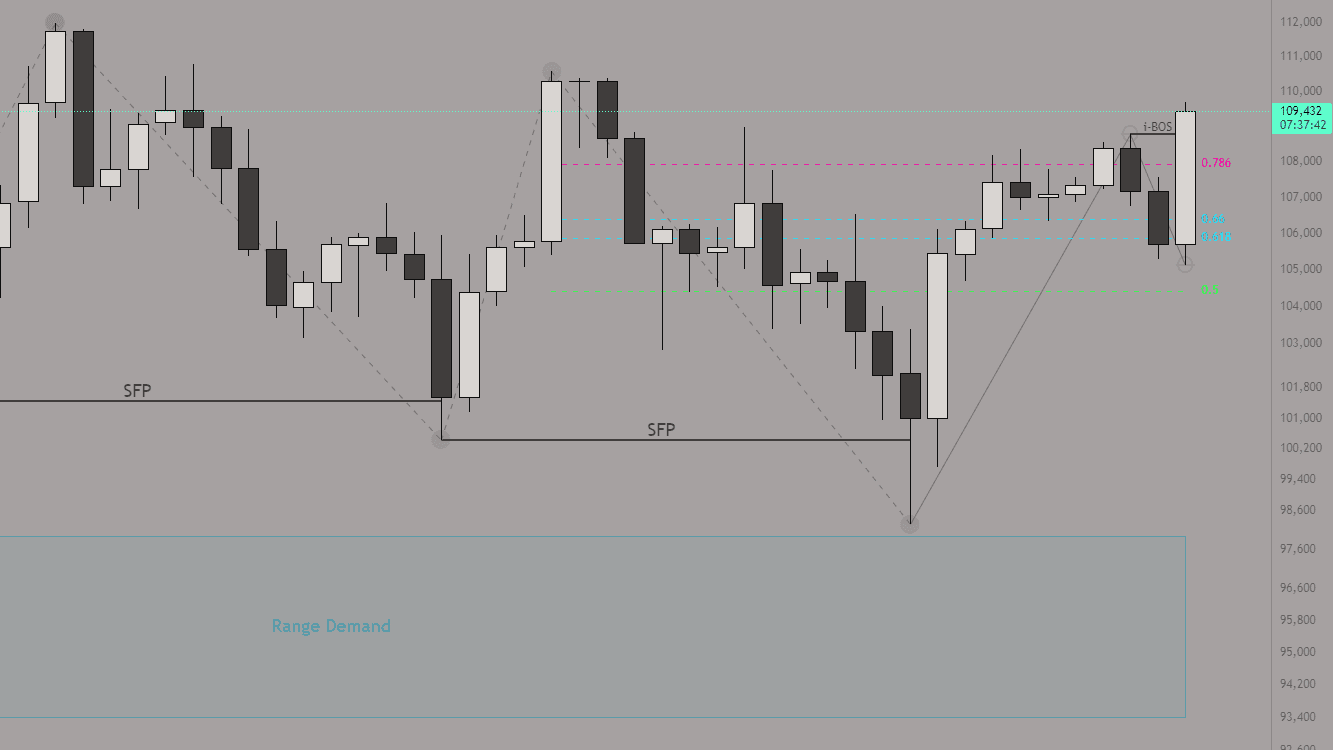
Key Features
- Multi-Timeframe Structure: Track up to 3 selected timeframes from one chart layout.
- Auto Labeling: Detect HH, HL, LH, LL with dot or text options.
- CHoCH / BOS / SFP: Color-coded structure shifts and fakeouts.
- Fib + Range Levels: Auto-plot up to 5 internal/external fibs + range extensions.
- Supply & Demand: Draw zones with optional mitigation logic.
Settings Overview
All customization options for the indicator are grouped into five categories:
1. General, Timeframes & Alerts
Core logic, timeframe selection, and alerts for structure shifts.
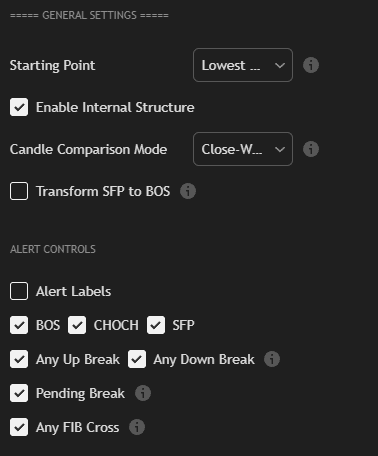
- Timeframe Selection: Configure up to 3 higher or alternate structure timeframes.
- Start Method: Begin from lowest point or first valid leg.
- Comparison Type: Choose between close-based or wick-based logic.
- Alerts: Enable CHoCH, BOS, SFP, fib touch, pending breaks.
2. Fibs & Ranges
Overlay external/internal fib levels and range extensions across your selected timeframe context.
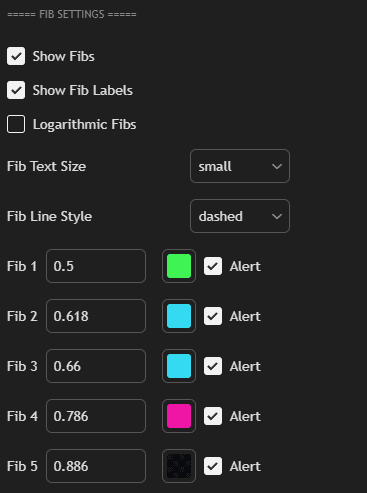
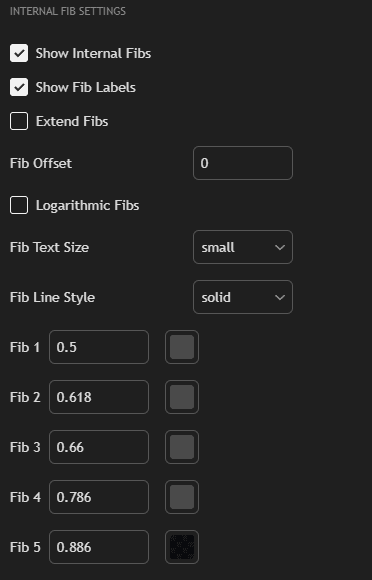
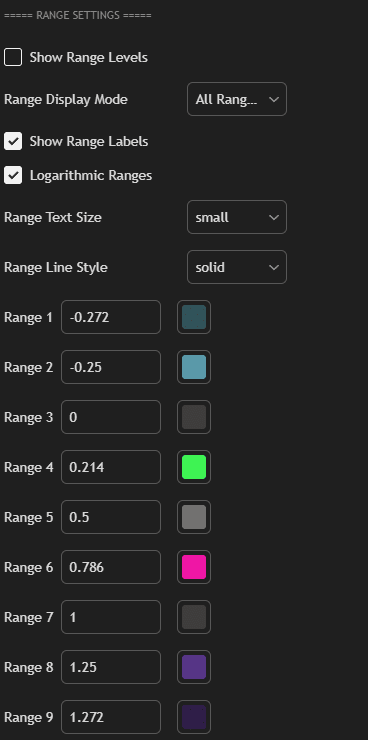
- Fib Levels: Up to 5 swing fibs with independent labels and styles.
- Range Extensions: Optional extensions: -0.25, 1.272, etc.
- Text Styling: Customize color, font, and size per fib type.
3. Supply & Demand Zones
Visualize reaction zones from swing extremes while comparing multiple structure layers.
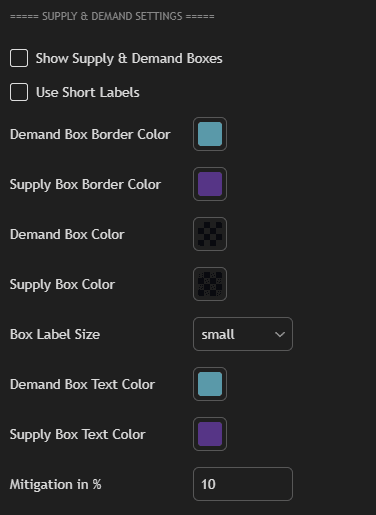
- Zone Styling: Set box fill, border, and opacity per direction.
- Mitigation Detection: Optional logic to highlight tapped zones.
- Text Label: Box name, size, and mitigation toggle.
4. Labels & Line Styling
Refine visuals for your structure points and lines across every selected timeframe.
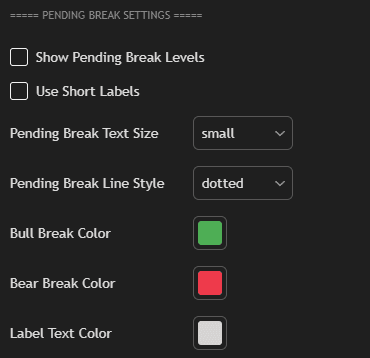
- Dot vs Label: Use clean dots or full-text labels.
- Zigzag Styling: Solid/dashed per leg side (bull/bear).
- BOS/CHoCH/SFP Styling: Colors, thickness, line types.
5. Internal Structure & Pending Breaks
Extra structural context inside major legs, with projected breaks before confirmation.
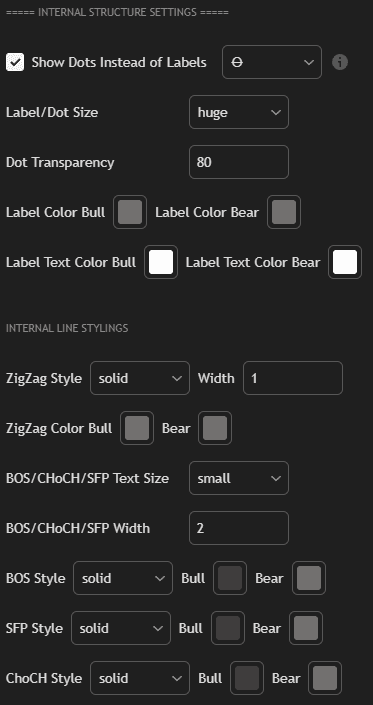

- Internal Legs: Display inner swing structure with own style.
- Pending Zones: Show projected BOS/CHoCH before confirmation.
How to Use MTF Market Structure
- Add the MTF Market Structure [ElevenX] indicator to any chart.
- Select up to 3 timeframes you want to monitor for broader structure context.
- Choose wicks vs. close as your leg detection logic.
- Enable internal structure, zones, and fibs for stacked confirmation.
- Use alerts to catch BOS/CHoCH/SFP changes across local and higher-timeframe flows.
If you want the familiar ElevenX structure workflow with higher-timeframe alignment built in, MTF Market Structure gives you fast structure context across up to three selected timeframes.